fee-optimization
Cheapest Way to Send USDT (TRC20): The Complete Guide
Find the absolute cheapest way to send TRC-20 USDT on TRON. Compare TRX burning, staking, and batch energy rental to reduce transfer fees by up to 90%.
5 min readRead
Compare renting TRON energy versus burning native TRX for TRC-20 USDT transfers. Detailed cost breakdowns, annual savings projections, and break-even math.
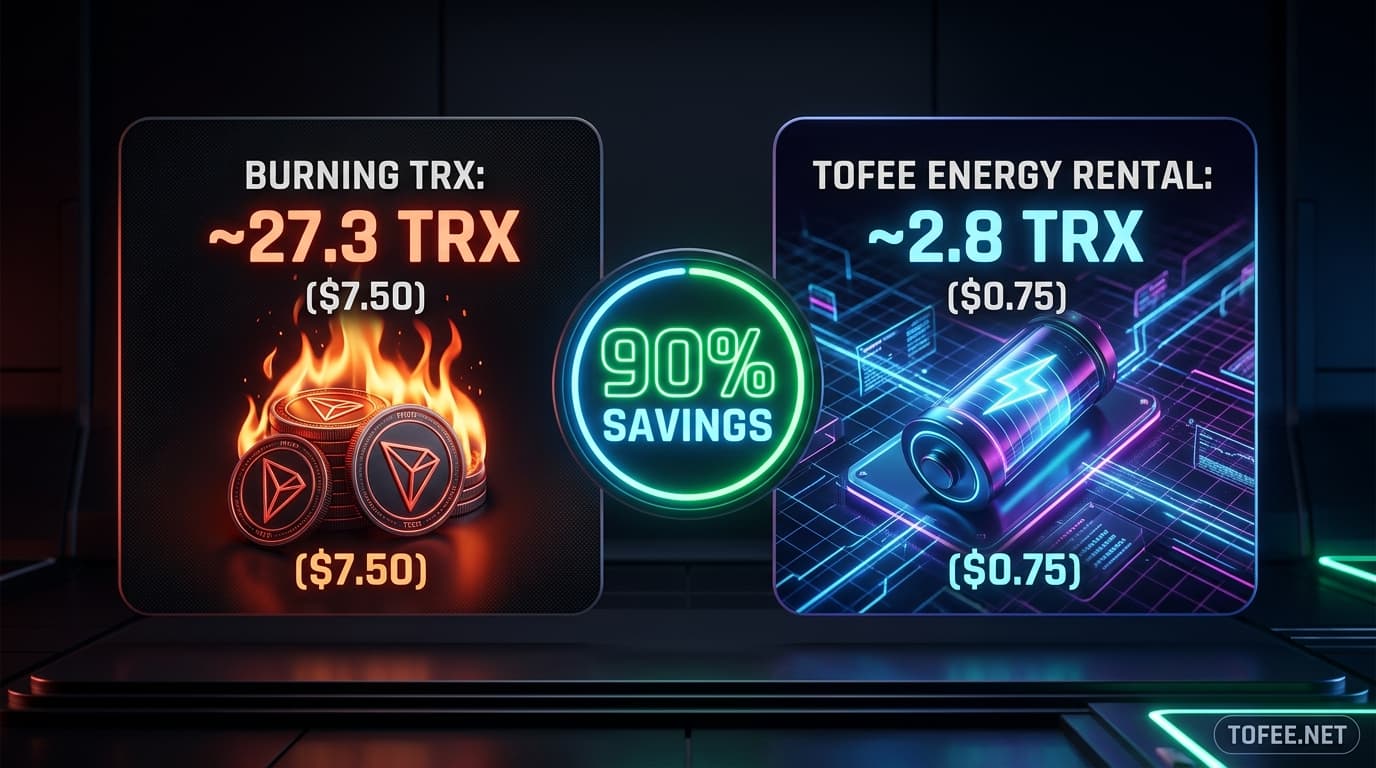
Every TRC-20 USDT transfer on the TRON network requires Energy to execute. When your sending wallet does not possess enough Energy, the network automatically burns native TRX from your balance to cover the computational cost.
The choice between renting Energy in advance and allowing TRX to burn is fundamentally a financial decision: renting costs roughly 70% to 90% less per transaction than burning.
This guide provides a comprehensive side-by-side cost breakdown for single transfers, monthly volumes, and annual operational projections, helping you choose the most cost-effective method for your workflow. If you want to eliminate gas waste on your next transfer, you can buy tron energy directly through our automated terminal.
The protocol converts unmet Energy requirements into TRX at a fixed rate: 100 SUN per 1 unit of Energy (where 1 TRX = 1,000,000 SUN).
Protocol Energy Burn Formula:
TRX Burned = (Required Energy × 100 SUN) ÷ 1,000,000
(65,000 × 100) / 1,000,000 = 6.5 TRX (approx. $1.80+).(131,000 × 100) / 1,000,000 = 13.1 TRX (approx. $3.60+).When you rent Energy through ToFee, that same 65,000 Energy costs approximately 2.5 to 5.0 TRX — reducing your out-of-pocket gas expense by up to 90%.
Scale this fee discrepancy across an active business or trader executing 100 transfers per month:

Beyond the raw numbers on single transfers, several indirect factors compound the true expense of burning TRX:
For long-term capital efficiency, the full rental-versus-staking comparison explores when staking native coins makes sense compared to renting.
While renting is drastically cheaper for active users, burning TRX is appropriate in specific circumstances:
For regular transfers, setting up a fixed recharge address automates the entire rental process without any manual checkout.
| Monthly Transfers | Approx. Cost (Burning TRX) | Approx. Cost (Renting Energy) | Monthly Net Savings |
|---|---|---|---|
| 10 Transfers | ~90 TRX | ~20 TRX | ~70 TRX Saved |
| 50 Transfers | ~450 TRX | ~100 TRX | ~350 TRX Saved |
| 100 Transfers | ~900 TRX | ~200 TRX | ~700 TRX Saved |
| 500 Transfers | ~4,500 TRX | ~1,000 TRX | ~3,500 TRX Saved |

If the recipient address has never held TRC-20 USDT before, the TRON Virtual Machine must create and store a new balance mapping slot on-chain. This increases the required Energy from 65,000 to ~131,000, causing a higher burn fee (~14.0 TRX).
Protocol delegations operate in time windows (typically 1 hour to 24 hours). To achieve continuous coverage without re-ordering, a fixed recharge address automatically replenishes Energy on demand.
You need a small amount of Bandwidth to submit the rental payment transaction. Every active TRON wallet receives 600 free Bandwidth points daily, which easily covers this transaction.
If your Energy balance is slightly insufficient, TRON executes the transfer and burns native TRX only for the remaining shortfall. To avoid this, consult our guide on sizing your purchase precisely.
ToFee supports packages starting from a single 65,000 Energy allocation, allowing you to rent exactly what you need with zero minimum commitment.
Yes. If you have no active Energy delegation, your wallet automatically reverts to standard TRX burning with no manual configuration required.
Equip your wallet with instant non-custodial energy in 3 seconds directly on our automated deposit gateway.
Find the absolute cheapest way to send TRC-20 USDT on TRON. Compare TRX burning, staking, and batch energy rental to reduce transfer fees by up to 90%.
Learn how TRON energy fixed recharge addresses automate non-custodial energy delegation. A complete setup, API integration, and sizing guide for businesses and developers.
Is renting TRON energy safe? Learn how TRON's non-custodial Stake 2.0 delegation protects private keys, how to spot rental scams, and how to verify delegations on TronScan.