Resource Economicswhat is tron energytron energy explained
What Is TRON Energy? How TRON's Resource Model Actually Works
A comprehensive technical guide to the TRON Resource Model. Learn how TRON Energy works, TVM opcode computation, burn rates at 105 SUN, and 24-hour regeneration cycles.
ToFee Team5 min read
Unlike blockchains like Ethereum or Bitcoin that charge transaction fees through direct gas auctions, TRON uses a unique Dual Resource Model separating computational execution from transaction data transfer.
Understanding this resource architecture is the key to sending USDT, executing smart contracts, and interacting with dApps without burning expensive network fees. If you want to bypass fee burns immediately, you can buy tron energy on-demand with instant on-chain delegation.
The Dual Resource Model: Energy vs. Bandwidth
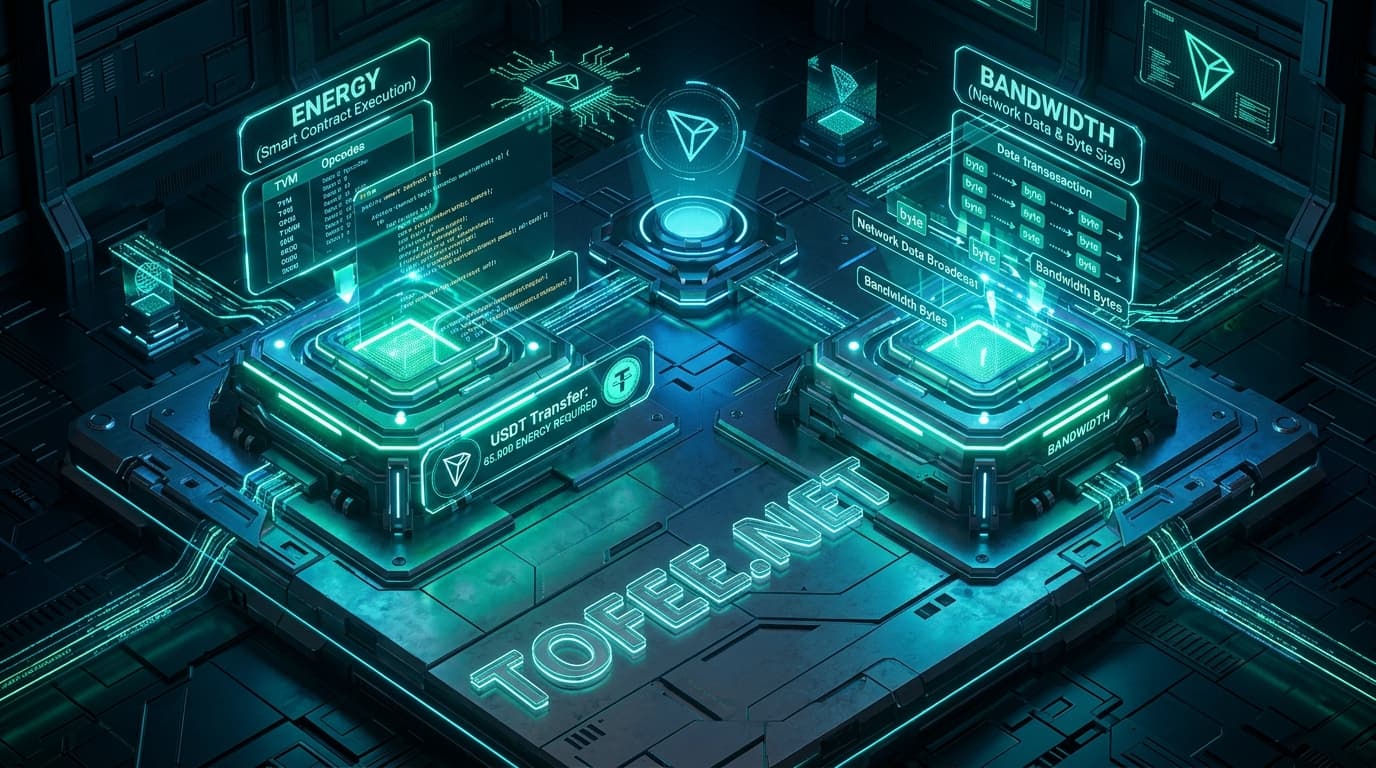
TRON categorizes all network operations into two distinct resource types:
Bandwidth: Measures the raw byte size of transaction data broadcast across the blockchain. Simple native TRX transfers only consume Bandwidth (~250–350 Bandwidth points).
Energy: Measures the computational CPU time and storage resources required by the TRON Virtual Machine (TVM) to execute smart contracts (such as TRC-20 USDT transfers, DEX swaps, or NFT minting).
Every TRC-20 token transfer is an execution of a smart contract function (transfer(address,uint256)). Consequently, every USDT transaction requires both Bandwidth and a substantial amount of Energy (typically 65,000 to 131,000 Energy units).
How the TRON Virtual Machine (TVM) Consumes Energy
When a transaction executes on the TVM, each individual opcode incurs a deterministic computational cost:
State Storage Writes (SSTORE): Modifying or writing data to the blockchain ledger consumes the vast majority of Energy.
New Address Creation: Writing a completely new token balance slot for an address that previously held zero USDT requires 131,000 Energy. Updating an existing balance slot requires 65,000 Energy.
The TRX Burn Rate: What Happens When Energy Is Depleted?
If your wallet holds insufficient Energy when initiating a smart contract transaction, TRON automatically burns native TRX from your balance to compensate the network validators.
The network protocol burn rate is fixed at 105 SUN per unit of Energy (1 TRX = 1,000,000 SUN, or 0.000105 TRX per Energy unit):
Burned TRX = (Required Energy × 105 SUN) ÷ 1,000,000
Standard Transfer (65,000 Energy): 65,000 × 0.000105 ≈ ~7.0 TRX Burn Penalty
New Address Transfer (131,000 Energy): 131,000 × 0.00042 = 55.02 TRX Burn Penalty
If your wallet balance does not contain enough TRX to satisfy this burn formula, the transaction fails on-chain with an OUT_OF_ENERGY error, and all burned TRX is permanently lost.
Why TRON Energy Doesn't Accumulate Over Time
Energy on TRON is a rate-limited quota, not a stored token balance:
24-Hour Rolling Regeneration: When you stake TRX for Energy, your quota regenerates linearly over a 24-hour recovery window as you spend it.
Hard Daily Ceiling: Unused Energy does not roll over or accumulate into the next day. If you generate 65,000 Energy daily and make zero transfers for a week, your balance remains capped at 65,000 Energy.
Three Ways to Acquire TRON Energy
Acquisition Method
Capital Requirement
Availability Speed
Cost Efficiency
Direct TRX Burning
0 TRX locked
Instant (automatic)
Most Expensive (~$3 to $8+ per transfer)
Native TRX Staking (Stake 2.0)
High (2,500+ TRX frozen per daily transfer)
Instant once staked; 14-day lockup to unfreeze
Capital Intensive (Zero marginal fee, but illiquid)
While both measure computational execution complexity, Ethereum requires gas to be paid directly in ETH for every transaction. TRON allows users to obtain Energy beforehand via staking or rental delegations, enabling fee-less smart contract execution.
Why does my wallet show 0 Energy even though I have TRX?
Simply holding TRX tokens in a wallet does not produce Energy. Energy is only generated when TRX is explicitly staked under Stake 2.0 or when delegated to your address through an Energy rental platform.
Does unused Energy carry over to the next day?
No. Energy operates on a 24-hour linear recovery cycle. Staked Energy caps at your daily limit and does not accumulate beyond that ceiling. Rented Energy expires at the conclusion of the chosen rental duration (e.g. 1 hour or 24 hours).
How long does it take to unfreeze staked TRX?
Under TRON Stake 2.0, unfreezing TRX requires a mandatory 14-day unfreezing waiting period before the principal tokens become liquid and withdrawable.
Can Bandwidth be used instead of Energy for USDT transfers?
No. Bandwidth only pays for raw transaction data broadcast. Because TRC-20 USDT is a smart contract, it strictly requires Energy for bytecode execution.
What is the fastest way to get Energy without staking capital?
Instant energy rental via ToFee delivers 65,000 to 131,000 Energy directly to your public address within 3 to 6 seconds without locking up any capital.
Does having more Energy make my transaction confirm faster?
No. Block confirmation speed on TRON is governed by network consensus (typically ~3 seconds per block). Energy solely covers computational execution costs and prevents fee burns.
INSTANT TRC-20 GAS REDUCTION
Execute Your Next USDT Transfer with Maximum Savings
Equip your wallet with instant non-custodial energy in 3 seconds directly on our automated deposit gateway.
Is renting TRON energy safe? Learn how TRON's non-custodial Stake 2.0 delegation protects private keys, how to spot rental scams, and how to verify delegations on TronScan.
Compare TRON energy rental vs staking TRX for TRC20 USDT transfers. Analyze capital requirements, Stake 2.0 14-day lockup timelines, and opportunity costs.